
3D visualization services, India
3D Furniture Rendering
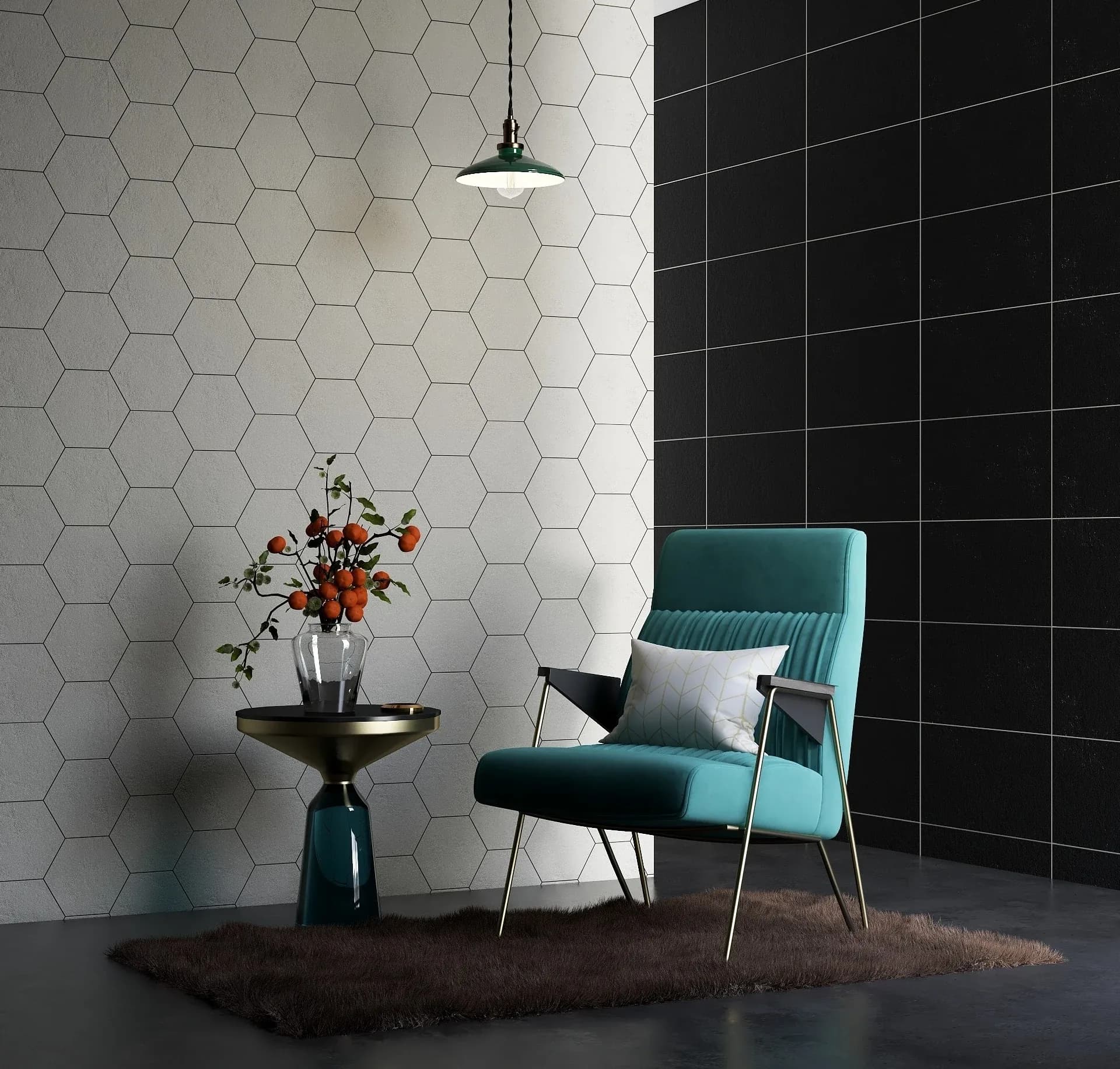
360 Space delivers furniture rendering and 3D furniture rendering for brands and manufacturers. Furniture CGI shows every fabric option and lifestyle scene without a photoshoot.
02What is different
Furniture visualization for catalogues and e-commerce
Sofa rendering, chairs, tables and storage are modelled from your CAD or reference photos, then upholstered in each fabric. Furniture catalogue images stay consistent across hundreds of variants.
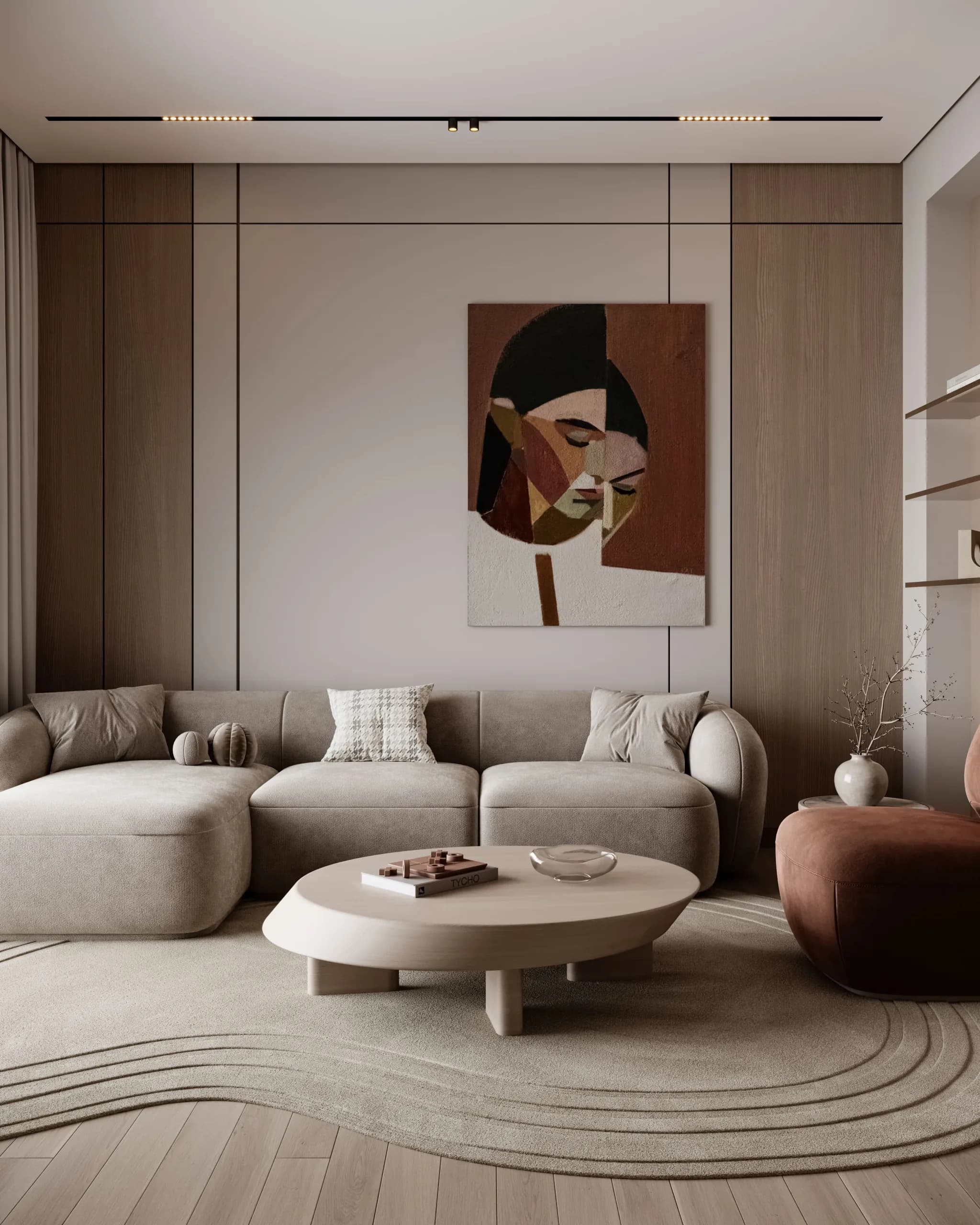
Lifestyle scenes place the piece in a styled room; cut-outs serve e-commerce.
We are a product rendering studio for architectural product renders: furniture, wall panels and surfaces. Material and finish rendering shows finishes in real interiors, furniture and panel CGI makes catalogues without photoshoots possible, and high-quality material renders keep every colourway consistent.
- 01Cut-out on white per variant
- 02Lifestyle room scene
- 03Detail close-ups of joinery and fabric
- 04Exploded or dimension views
03What we render
Shot list per product
Typical furniture set
- 01Front three-quarter cut-out
- 02Side and back
- 03Fabric or finish close-up
- 04Lifestyle scene
- 05Dimension diagram
04Catalogue
A furniture catalogue is made of choices: sizes, fabrics, finishes and configurations. 3D furniture rendering from us shows every one of them from the same model, with consistent light and angle.
05Gallery
Examples of this work
06In detail
In detail
The rest of what we cover for this work, one topic at a time.
01
Furniture rendering for brands that sell range, finish and fit
Furniture visualization and furniture CGI avoid the cost of sampling every fabric and finish for a photoshoot.
A sofa rendering needs fabric behaviour and stitching detail. A dining table needs edge and grain. A wardrobe needs internal layouts and handles. We build the model from your CAD or from measured samples, and then render cut-outs for catalogue pages and lifestyle scenes for brochures. Furniture catalogue images are produced per SKU, so the whole range looks like one shoot.
Image types a furniture brand usually needs
- White-background cut-outs
- Lifestyle scenes in styled rooms
- Close-ups of fabric and joinery
- Finish and colour variants
02
Planning the render set by range size
| Range | Approach | Result |
|---|---|---|
| Hero products | Detailed models and lifestyle scenes | Campaign and homepage |
| Core catalogue | Consistent cut-outs per SKU | Catalogue pages and e-commerce |
| Variants | Finish and fabric re-renders | Fast additions |
03
3D views and AR placement for furniture pages
The product model that creates your catalogue images can also support a rotating 3D view on a product page and AR placement in a room. Furniture modeling in 360° views means buyers inspect a piece before they buy. See 3D product modeling for formats and SnapAR for AR from print.
04
Showing furniture in scenes and fabrics that sell the range
Furniture is bought for how it looks in a home or office, and for how it feels. A product on a plain background shows shape and finish. A scene shows scale, mood and how the piece works with others. We produce both, from the same model, so a catalogue has clean packshots and lifestyle images that match.
Fabrics and finishes are where range size grows quickly. A sofa in twelve fabrics and three leg finishes is dozens of images. With a 3D model, each combination is generated from the same geometry, and fabric textures are applied from your swatches. Consistent lighting makes the whole set look like it was shot in one studio.
Scenes are built for the buyer. A sofa for a family might sit in a living room with a play rug and bookshelves. A sofa for a hospitality buyer might sit in a lobby with a reception desk behind. The scene tells the buyer where the product belongs.
What to send for a furniture render
- CAD, technical drawings or detailed photographs
- Fabric, leather and finish swatches
- Dimensions and any options such as module counts
- The scenes or rooms you want to show
- Brand style for lighting and composition
05
Scene types for furniture images
Each type of image does a different job.
| Image | Purpose | Where it appears |
|---|---|---|
| Packshot | Clear view of shape and finish | Catalogues and web stores |
| Detail view | Stitching, joints, texture | Product pages |
| Room scene | Scale and style | Brochures, social posts |
| Group scene | How pieces work together | Collection launches |
| Dimension view | Size and configuration | Technical sheets |
| Contract setting | Use in hotels, offices, cafes | Trade and project catalogues |
06
From images to AR and 3D views on product pages
The same furniture model can serve more than still images.
- A 3D viewer on the product page
- An AR option that places the item in a room
- Short rotating or opening clips
- Model detail and file size for the platform
- Which variants are included
- Who maintains the viewer
07
Planning a furniture render set for a range
A furniture range is a family, and the images must show the family relationship. We start with the range list and decide the standard views: a front three-quarter packshot, a side view, a detail view and a scene. Light, camera and background are set once and applied to every piece, so a sofa and a side table look like they were shot in the same studio.
Finishes and fabrics are managed as data. Each fabric swatch becomes a material, each leg or frame finish another, and combinations are generated from one model. This is how a range of dozens of pieces in many finishes can be shown without a physical sample of each.
Scenes group pieces the way customers use them: a living room set, a dining set, a workspace. Each scene is planned so that no one piece hides another, and the room feels furnished without looking crowded.
Planning decisions for a furniture set
- Standard views for every piece
- Fabric and finish list with codes
- Scene types and their furniture groups
- Lighting and background standard
- Naming of files by product and finish
08
Inputs for this project type
| Input | Why it matters |
|---|---|
| CAD or photos with dimensions | Accurate shape |
| Fabric and finish swatches | Material accuracy |
| Variant list | All options covered |
09
Preparing a furniture rendering brief
A furniture brief should include CAD or dimensioned drawings, fabric and finish swatches, and the list of variants. Say which scenes are needed, cut-outs, lifestyle, close-ups, and which angles are standard. Share brand style references so the lighting and background match your existing catalogue.
If the range is large, start with hero products and the setup for consistent shots. Once the look is approved, the rest of the range follows with fewer revisions.
07FAQ
Questions about this service
Can you render furniture from CAD or photos?
Yes. We model furniture from CAD files or from reference photos with dimensions.
Can you show every fabric option?
Yes. We render each fabric and finish on the same model and camera, so the full range is consistent.
Do you make lifestyle scenes?
Yes. We create lifestyle room scenes styled around your furniture, alongside cut-outs for e-commerce.
Can you render a sofa in many fabrics?
Yes. We build the sofa once and apply each fabric as a material, so the catalogue shows every option with consistent light and angle.
Can furniture be rendered for e-commerce?
Yes. We deliver furniture images sized, named and cropped for e-commerce platforms, including white-background cut-outs and lifestyle scenes.
How do you show one sofa in many fabrics?
360 Space builds the sofa once and applies each fabric texture from your swatches, using the same lighting and camera for every image. This gives a consistent set without a separate shoot per fabric, and new fabrics can be added later from the same model.
Can furniture images work for hospitality and office buyers?
Yes. We can place furniture in hotel lobbies, restaurants and offices as well as homes, so trade buyers see how a range suits contract settings. The scenes are chosen to match the buyer’s sector.
How are fabric and finish combinations handled?
360 Space treats each fabric and finish as a material applied to the same model, so combinations are generated consistently without a separate shoot for each. File names follow your product and finish codes so your team can find each image.
08Keep exploring
Related services and guides
Start a project
Share your drawings, get a scope and quote
360 Space replies with a scope, camera list and timeline. Send CAD, BIM, SketchUp or PDF drawings on WhatsApp or email.