
01Chapter 1 of 3
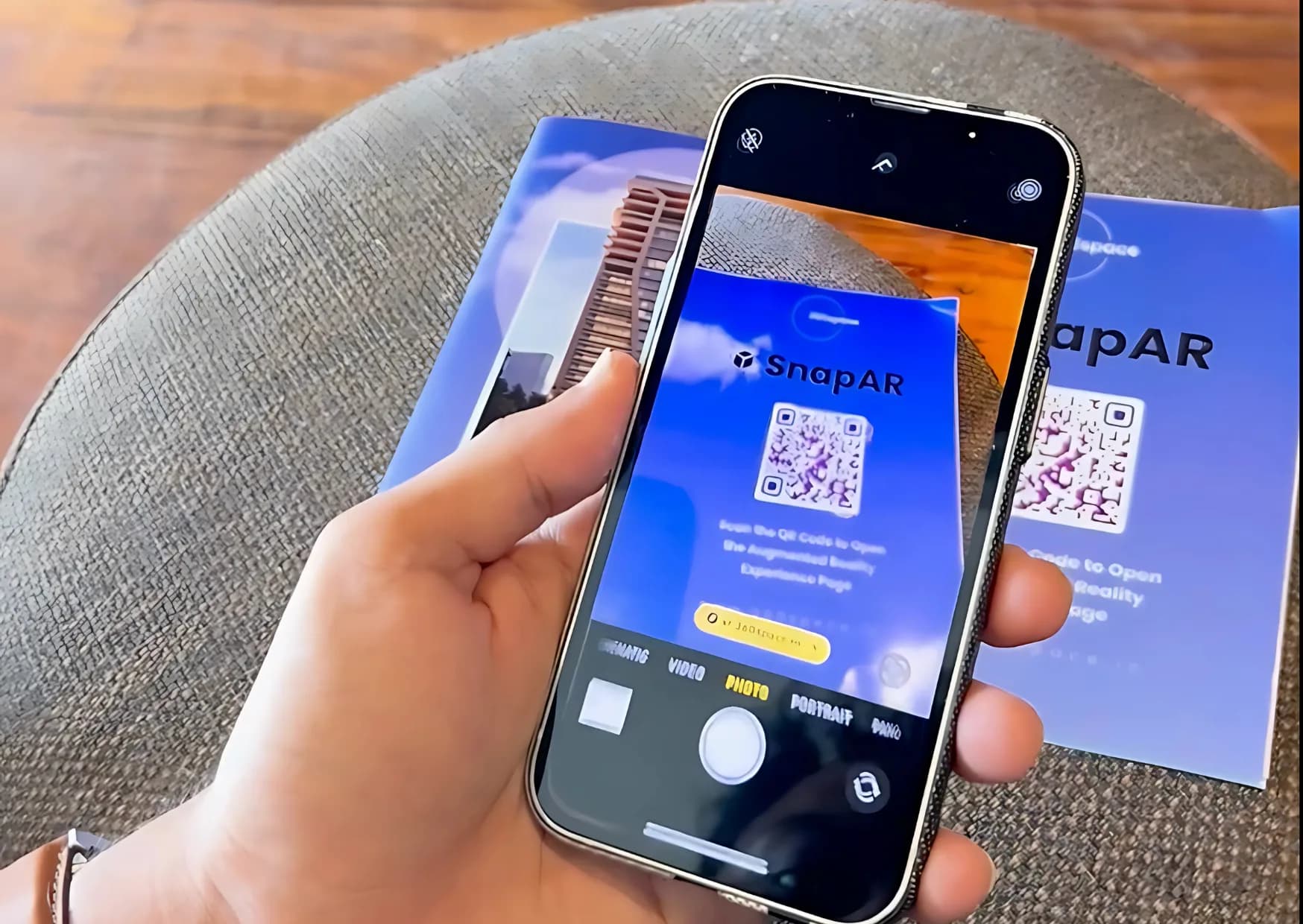
Scan the QR code and open the browser
The QR code on the ad opens the SnapAR page in the phone browser, so there is no store and no download.
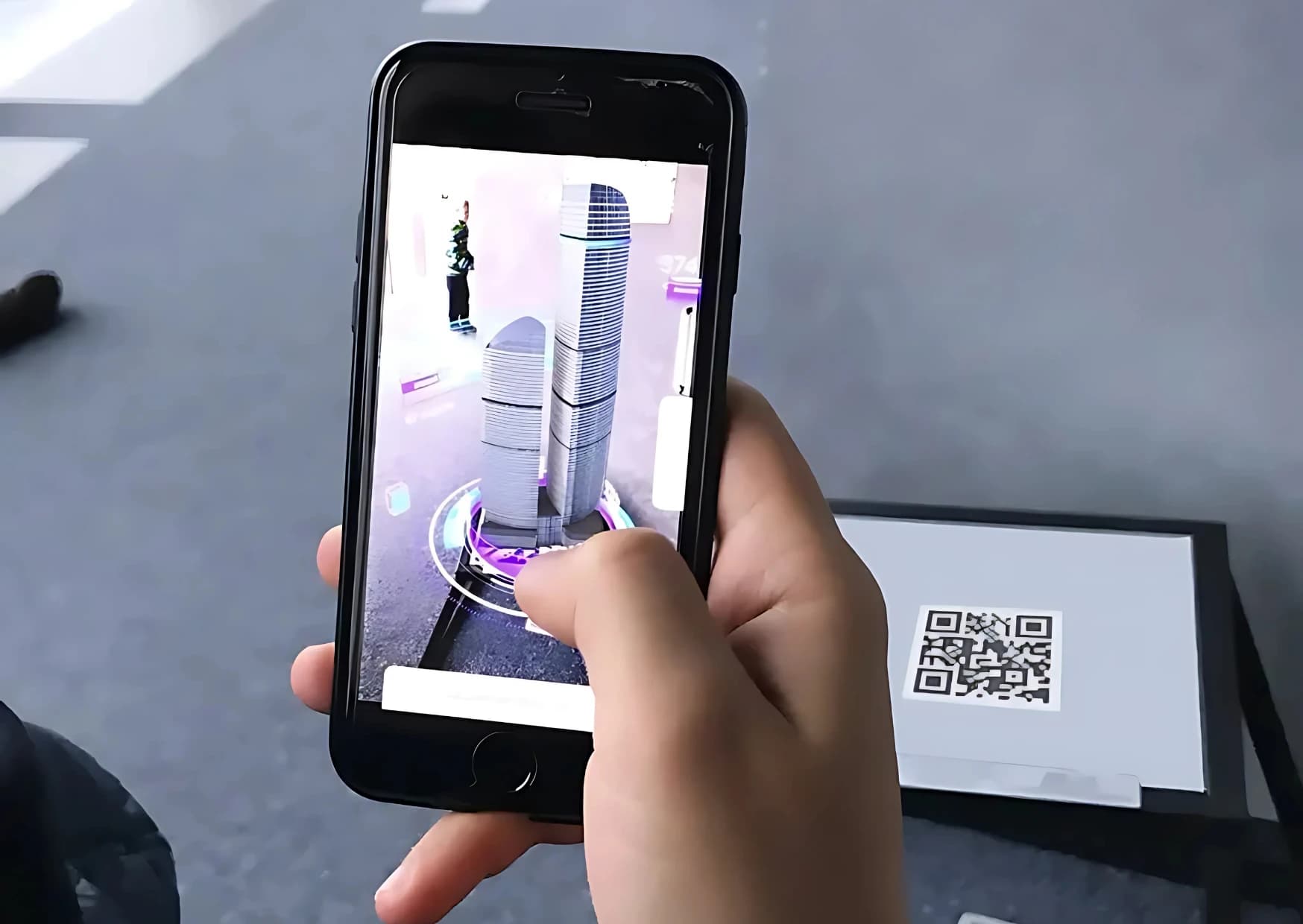
RealtyXperience platform
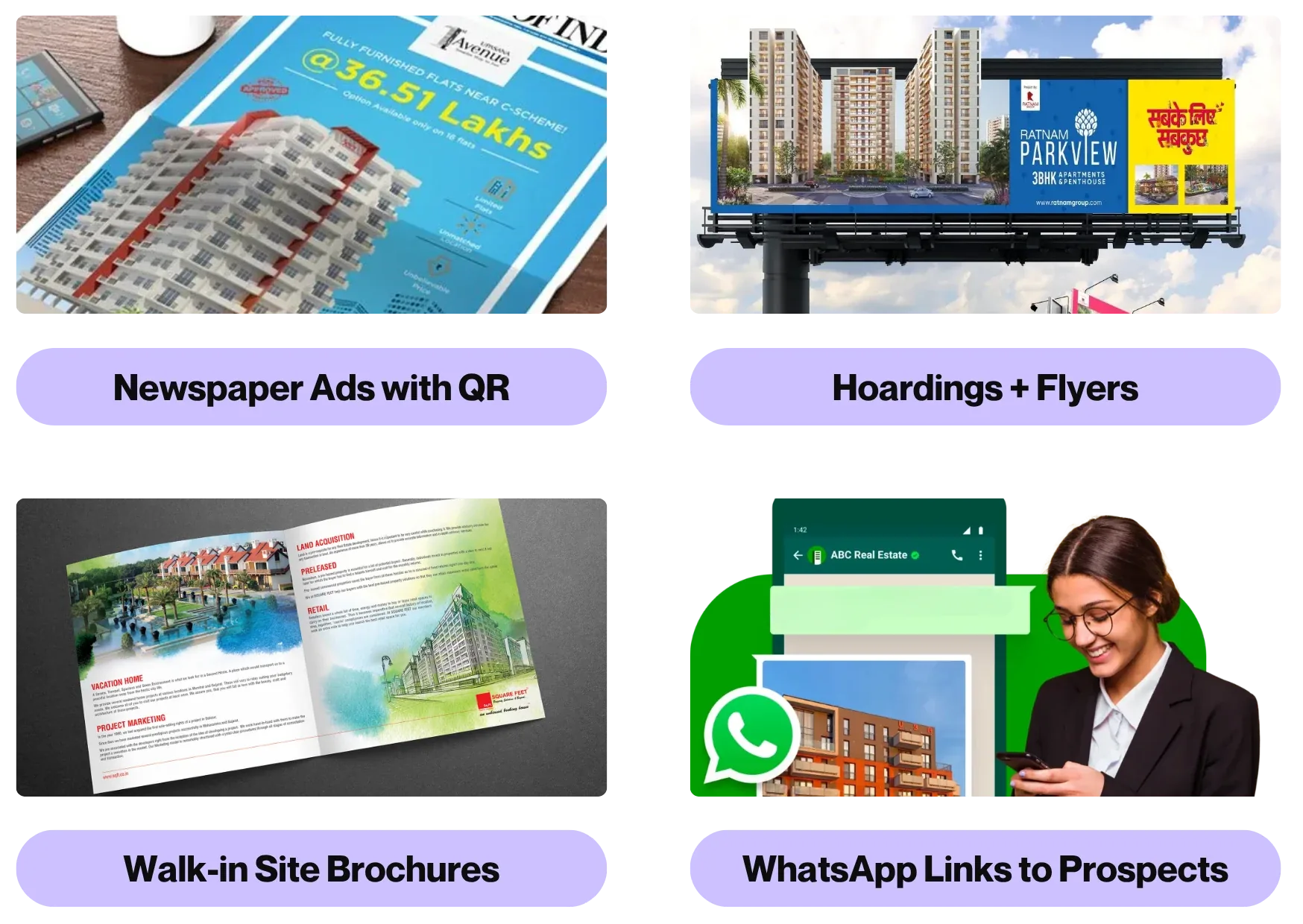
SnapAR creates AR print ads real estate brands can run from brochures, hoardings and newspaper ads, turning each into interactive AR. Buyers scan with a phone to see the 3D building, videos and an instant call to action, with no app.
02Why SnapAR
Print still reaches buyers, but it cannot answer questions. SnapAR adds a layer: scan the page and the building stands up in AR, with videos and a call button, in the phone browser.
WebAR, no app to download
03Outcomes
These are the figures shown on the earlier SnapAR page.
More engagement with a brochure that can be scanned.
Longer time spent exploring the project.
More enquiries from the same print placement.
Figures as shown on the earlier SnapAR page. The experience needs no app, so there is no download step between the scan and the project.
04What it does
SnapAR turns real estate print ads, brochures and hoardings into interactive AR. A buyer scans the QR code on a newspaper ad or brochure and the project appears in augmented reality on the page, with videos and a call button.
Because it is WebAR for real estate, it opens in the phone browser. Mixed reality real estate marketing without an app download.
05Inside it
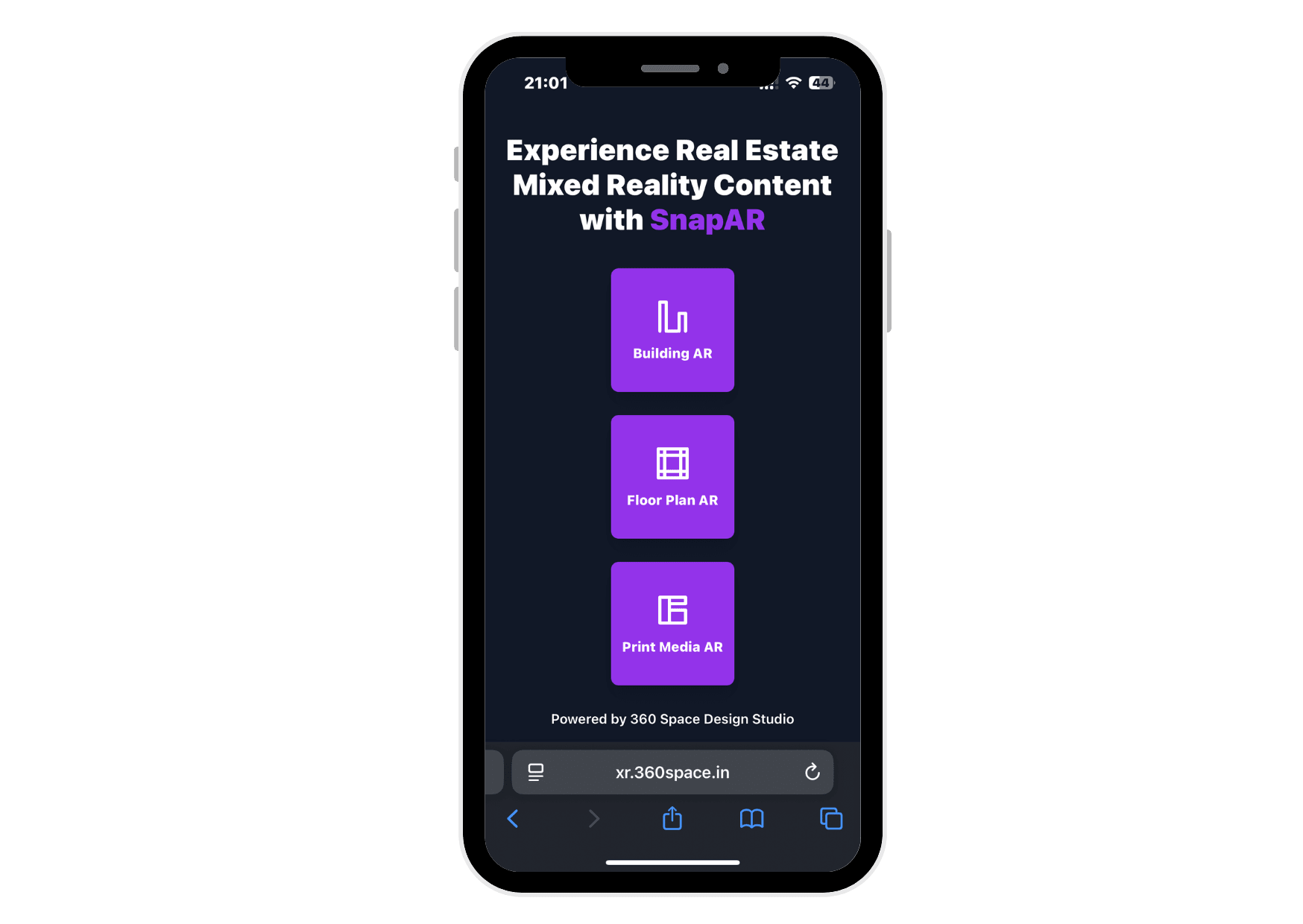
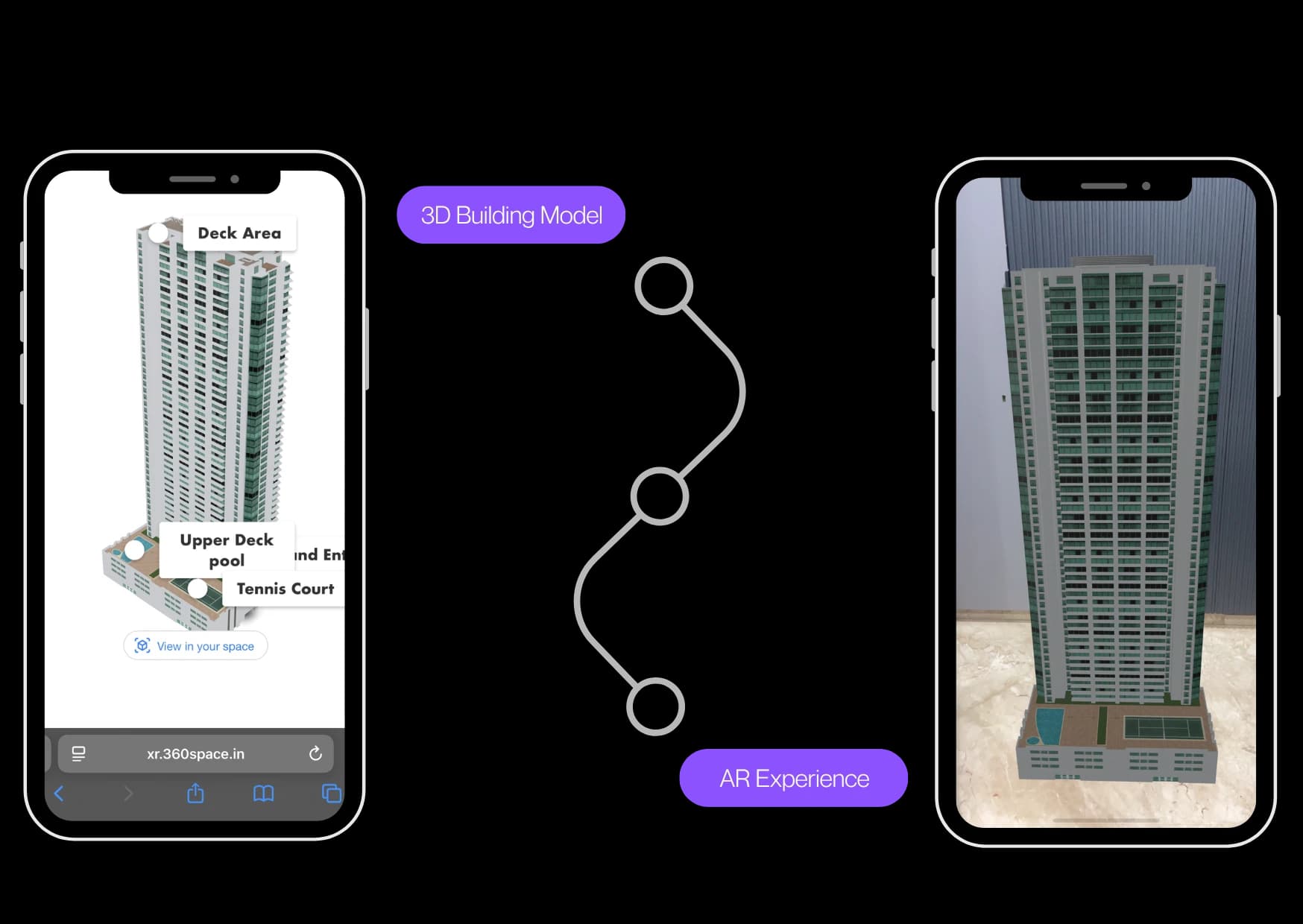
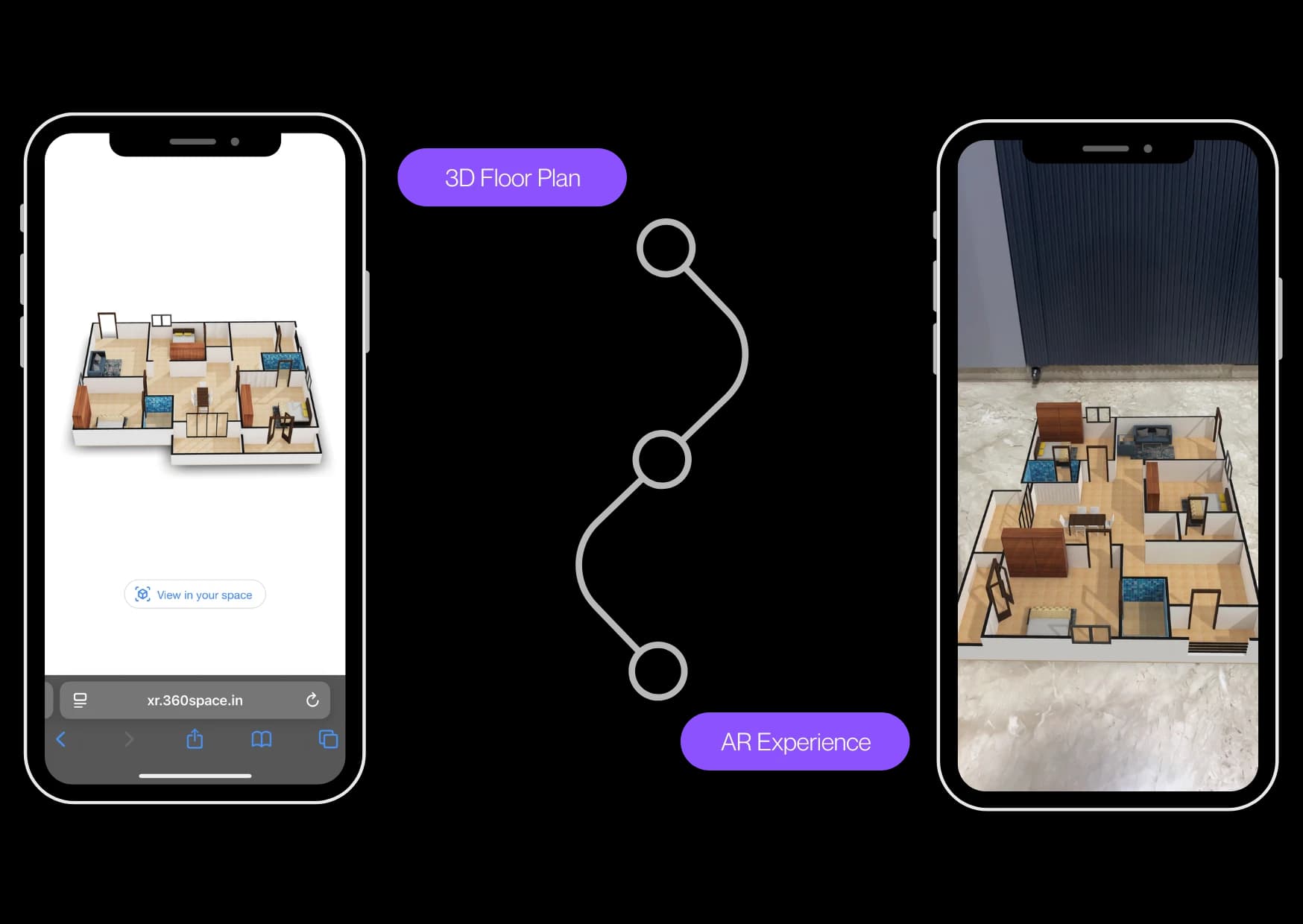
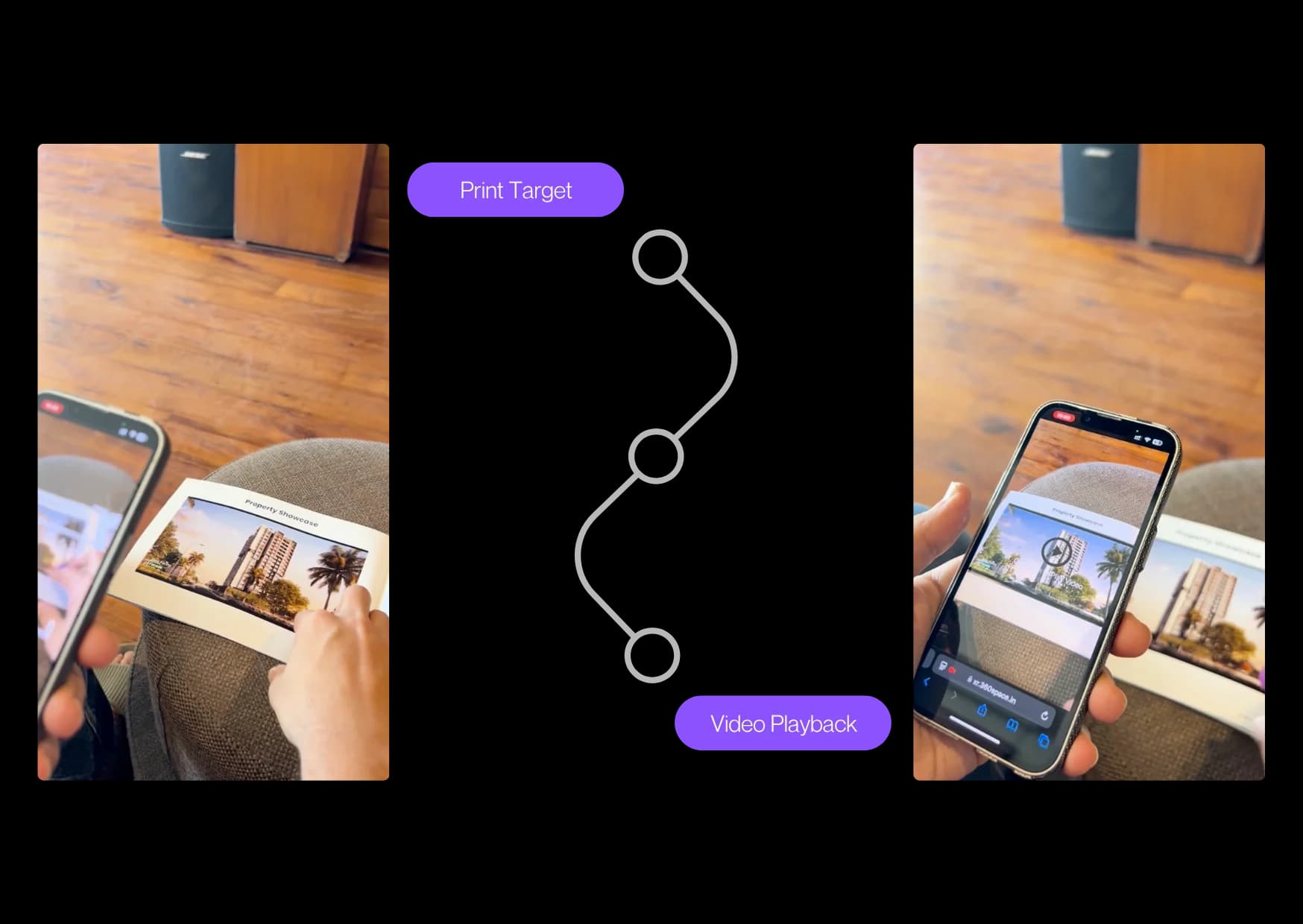
Each experience opens from the same scan.
06How it works
A buyer needs only a phone camera. There is nothing to install.
01Chapter 1 of 3
The QR code on the ad opens the SnapAR page in the phone browser, so there is no store and no download.
02Chapter 2 of 3
Pick Building AR, Floor Plan AR or Print Media AR, then point the camera at the brochure so it recognises the page.
03Chapter 3 of 3
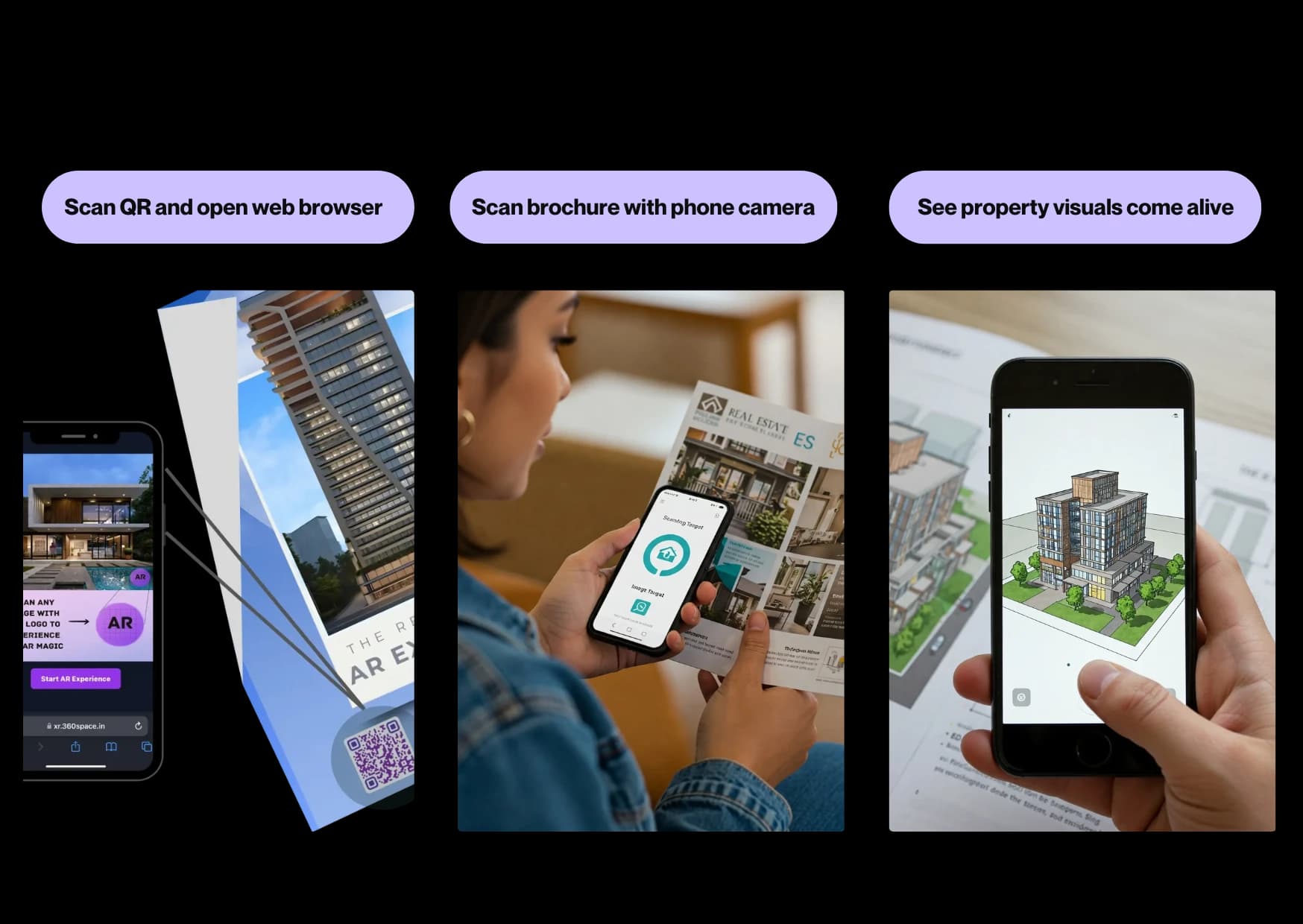
The building, the plan or a film appears over the print, with a call and WhatsApp button for the next step.
07Live demo
These clips play on their own, muted.
08Compare
| Placement | Print today | With SnapAR |
|---|---|---|
| Newspaper ad | A render and a phone number | Scan to see the building and call |
| Hoarding | Seen in passing | A QR code that opens the model and an enquiry button |
| Brochure | Static pages | Floor plans and films that open on the page |
| Sales meeting | Printed plans on the table | The building in AR on the table, at desk scale |
09AR for print
AR print ads real estate brands run need no app. A buyer scans a brochure, hoarding or newspaper ad with a phone and sees an interactive AR experience: augmented reality for real estate that shows the building, a video and a contact action. A buyer can view the AR model on table, desk or floor, so the project is seen at desk scale, and the interactive AR experience works on most current phones. It is AR for real estate that starts from a printed page, with no app to install.
10FAQ
SnapAR is a 360 Space platform that turns print ads, brochures and hoardings into WebAR experiences: buyers scan with a phone to see 3D models, videos and instant calls to action.
SnapAR makes print interactive, so a newspaper ad or brochure can show the building in 3D and capture an enquiry on the spot.
No. SnapAR opens in the phone browser after the buyer scans the QR code, so there is nothing to download on supported phones. That keeps the step from print to AR to one scan, which is what gets more buyers to try it.
Yes. SnapAR places the 3D building on a table or other flat surface through the phone camera. Buyers can move around it, and your sales team can use it in a meeting to show the whole project at desk scale.
360 Space needs the print layouts, a 3D model or renders and your call-to-action details.
SnapAR is built for print and outdoor, and the same AR experience can be shared as a link on social media and used at the site office.
Book a SnapAR demo from the contact page or on WhatsApp. 360 Space walks you through a live example and how it would work for your project.
11Keep exploring
Start a project
360 Space replies with a scope, camera list and timeline. Send CAD, BIM, SketchUp or PDF drawings on WhatsApp or email.