
01Chapter 1 of 4
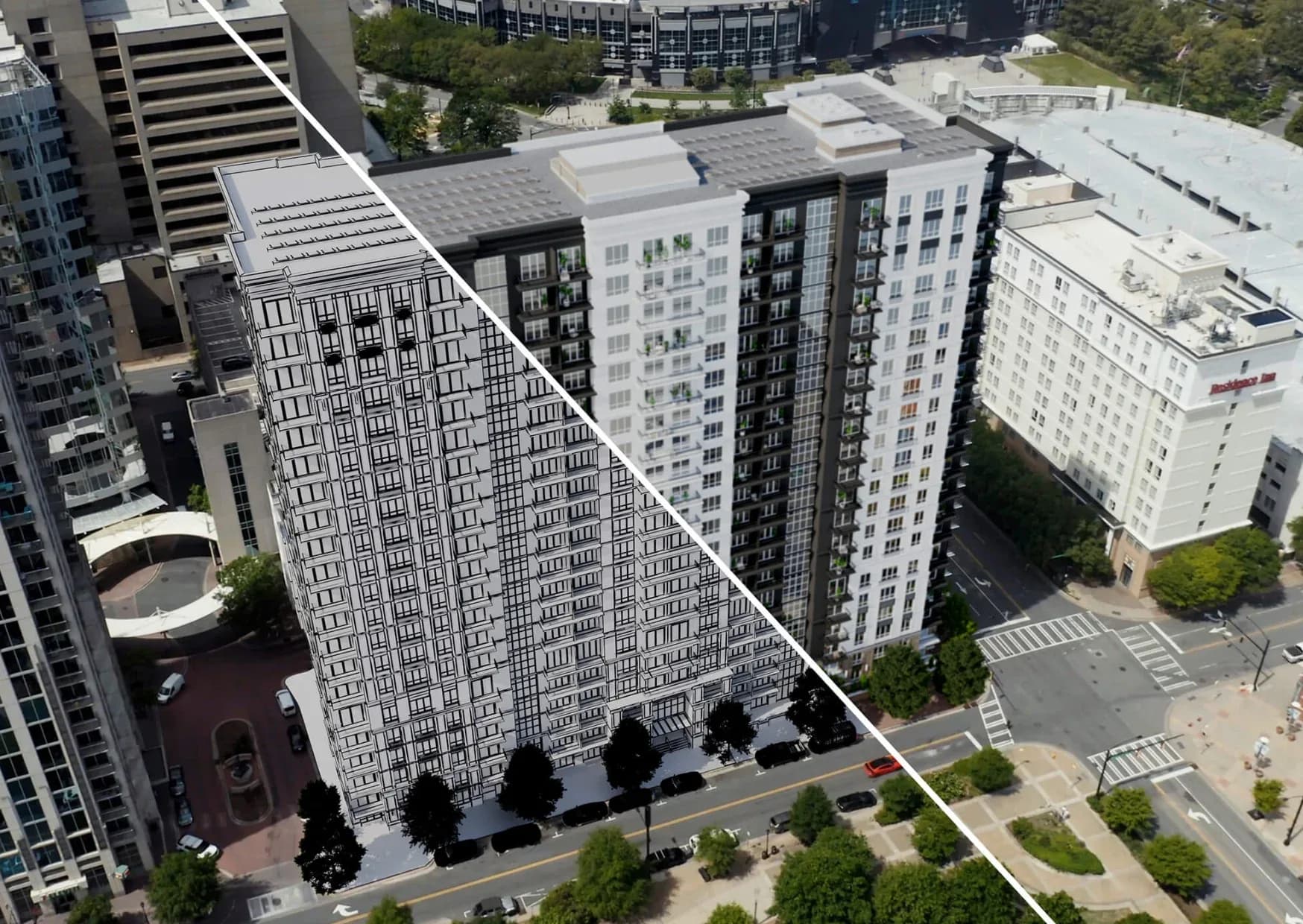
Start from the real site
Share site or drone footage, or have us shoot it. The road, the neighbourhood and the skyline stay real.
RealtyXperience platform
HorizonCGI turns site and drone footage into CGI and VFX marketing films. Animated real estate ads and property promo films that show the finished building in its real surroundings.
02Why HorizonCGI
A construction site does not sell well on camera. HorizonCGI keeps the real footage, the road, the neighbourhood and the skyline, and adds the finished building on top.
Real footage, finished building
03At a glance
Press a number to see what is inside.
Each one is planned around a campaign moment.
Cut to the shape of each placement.
Bring your own, or we shoot it.
04What it does
HorizonCGI turns site and drone footage into CGI and VFX marketing films. Construction sites do not sell well on camera, so it keeps the real footage (the road, the neighbourhood, the skyline) and adds the finished building, overlays and storytelling.
Each film is planned around a moment: the launch, an OC milestone, a new tower, a festive campaign.
05Inside it
HorizonCGI is CGI VFX real estate video, and each film answers a different campaign moment.
06How it works
A film is planned around the campaign moment, then built from real footage and your 3D model.
01Chapter 1 of 4
Share site or drone footage, or have us shoot it. The road, the neighbourhood and the skyline stay real.
02Chapter 2 of 4
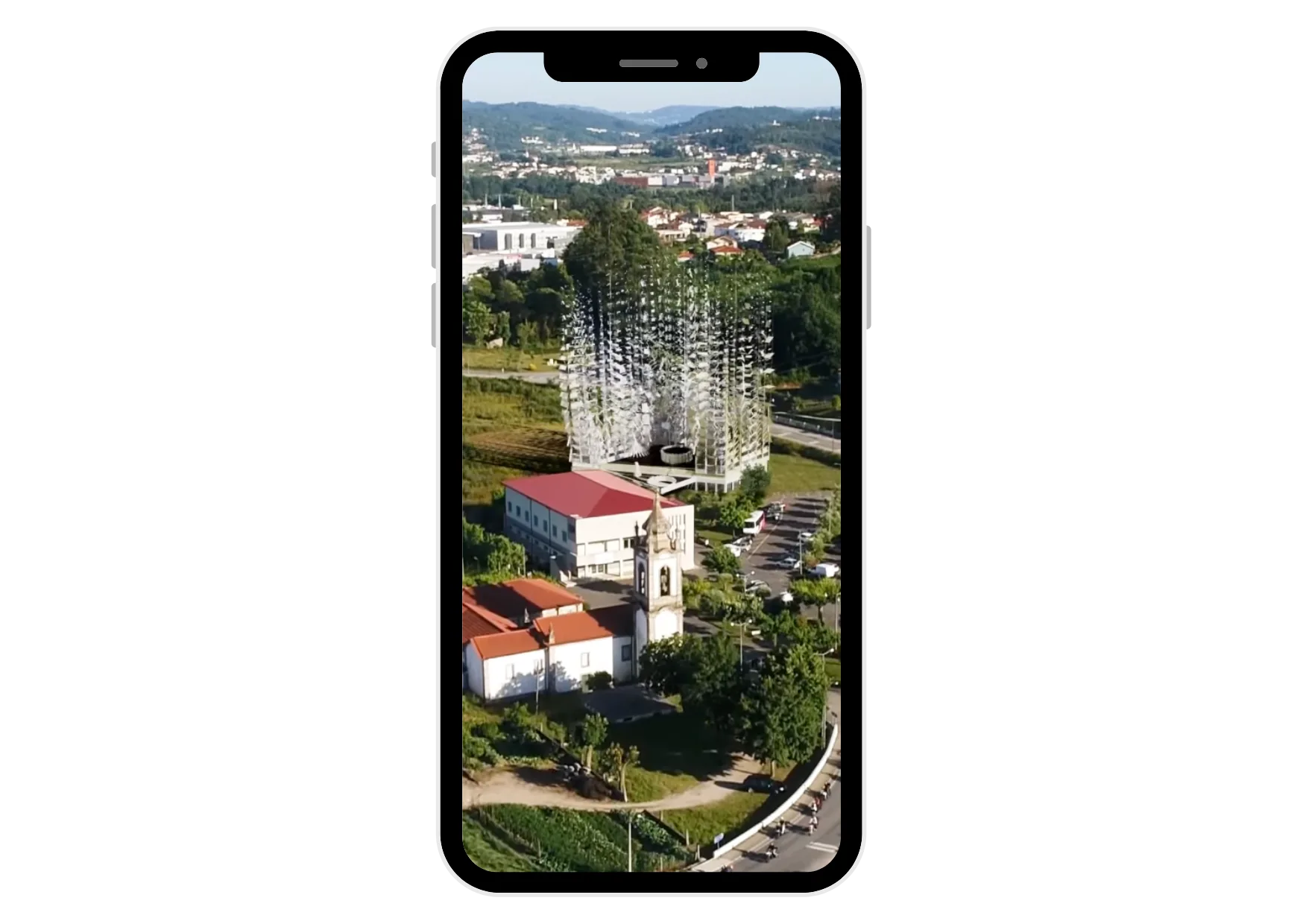
The 3D model is tracked into the footage so it sits on the plot, with the right light, shadow and scale.
03Chapter 3 of 4
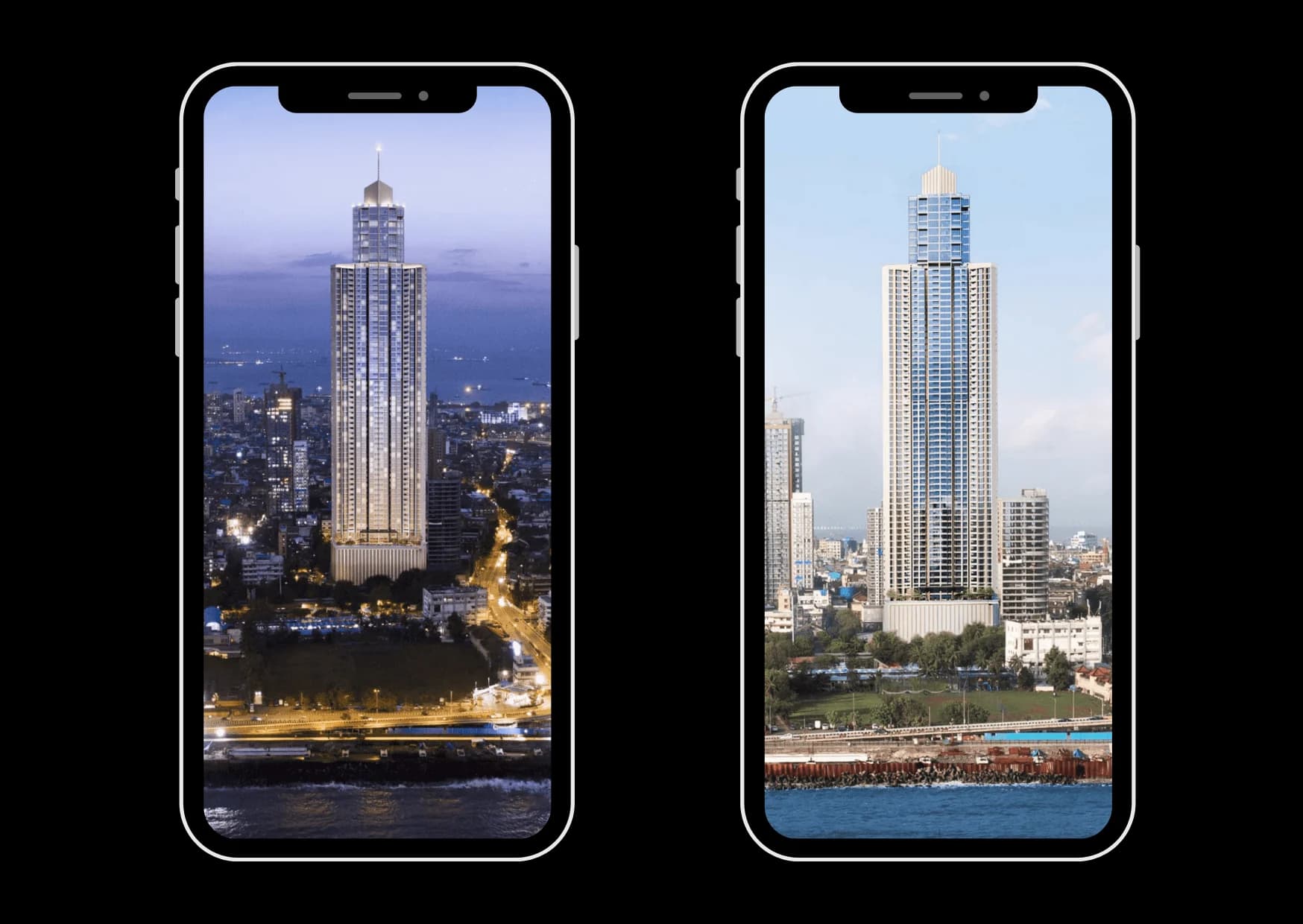
Hotspots, a timeline, a day to night change or an unveiling turn the shot into a film for that moment.
04Chapter 4 of 4
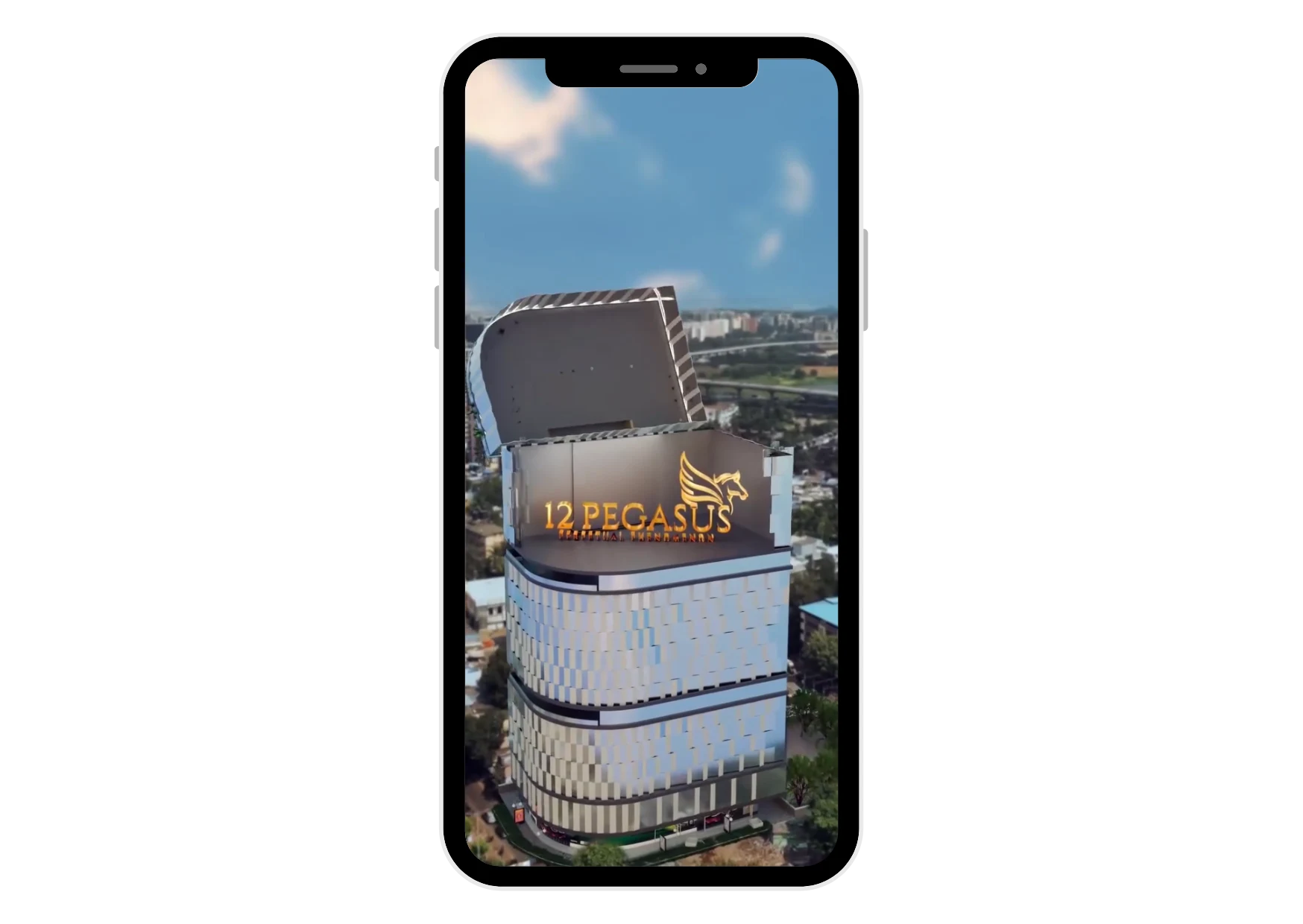
The film is cut for ads, reels and site-office screens, so one shoot feeds the whole campaign.
07Compare
Drone footage alone shows a site. HorizonCGI shows the project. See drone services for capture alone.
| Question | Drone footage only | HorizonCGI |
|---|---|---|
| What the buyer sees | An empty or half-built site | The finished building in its real surroundings |
| Location story | Footage with no labels | Hotspots for what sits nearby |
| Campaign moments | One generic clip | A film for the launch, the milestone, the OC |
| Time of day | Whatever the shoot caught | Day and night with the 3D building |
08Who it is for
A hero film for the launch day, from the plot and a 3D model.
Milestone films that show progress and the finished building together.
Festive, OC and upcoming-project films cut for ads and reels.
09FAQ
HorizonCGI is a 360 Space platform that turns site and drone footage into CGI and VFX marketing films, showing the finished building in its real surroundings.
HorizonCGI gives each campaign moment a film that combines the real location with the finished building, which is more convincing than CGI alone.
360 Space needs site or drone footage and a 3D model or drawings. We can shoot the footage and build the model.
Yes. HorizonCGI films are cut for ads, reels and site-office screens.
Book a HorizonCGI demo from the contact page or on WhatsApp. 360 Space walks you through a live example and how it would work for your project.
10Keep exploring
Start a project
360 Space replies with a scope, camera list and timeline. Send CAD, BIM, SketchUp or PDF drawings on WhatsApp or email.